
Exchange: NSE
Type: Equity
Sector: Technology
Disclaimer: OFSS Analysis pages are for educational purposes only with delayed data. One should not make any investment decisions based on the data provided here.
Analysis for OFSS
OFSS Overview
OFSS Analysis
OFSS Market Chart
OFSS Option Chain
OFSS Open Interest
OFSS Straddle Chain
OFSS Option Snapshot
OFSS Straddle & Strangle
OFSS Max Pain
OFSS Options Premium
OFSS Cumulative OI Change
OFSS Open Hight Open Low
OFSS Put Call Ratio (PCR)
OFSS Multistrike OI Analysis
OFSS Strikewise Oi Analysis
OFSS Intraday OI Breakup
OFSS Trending OI
OFSS Premium Change / Decay
OFSS Cumulative Volume
OFSS Trending Volume
OFSS Option Snapshot
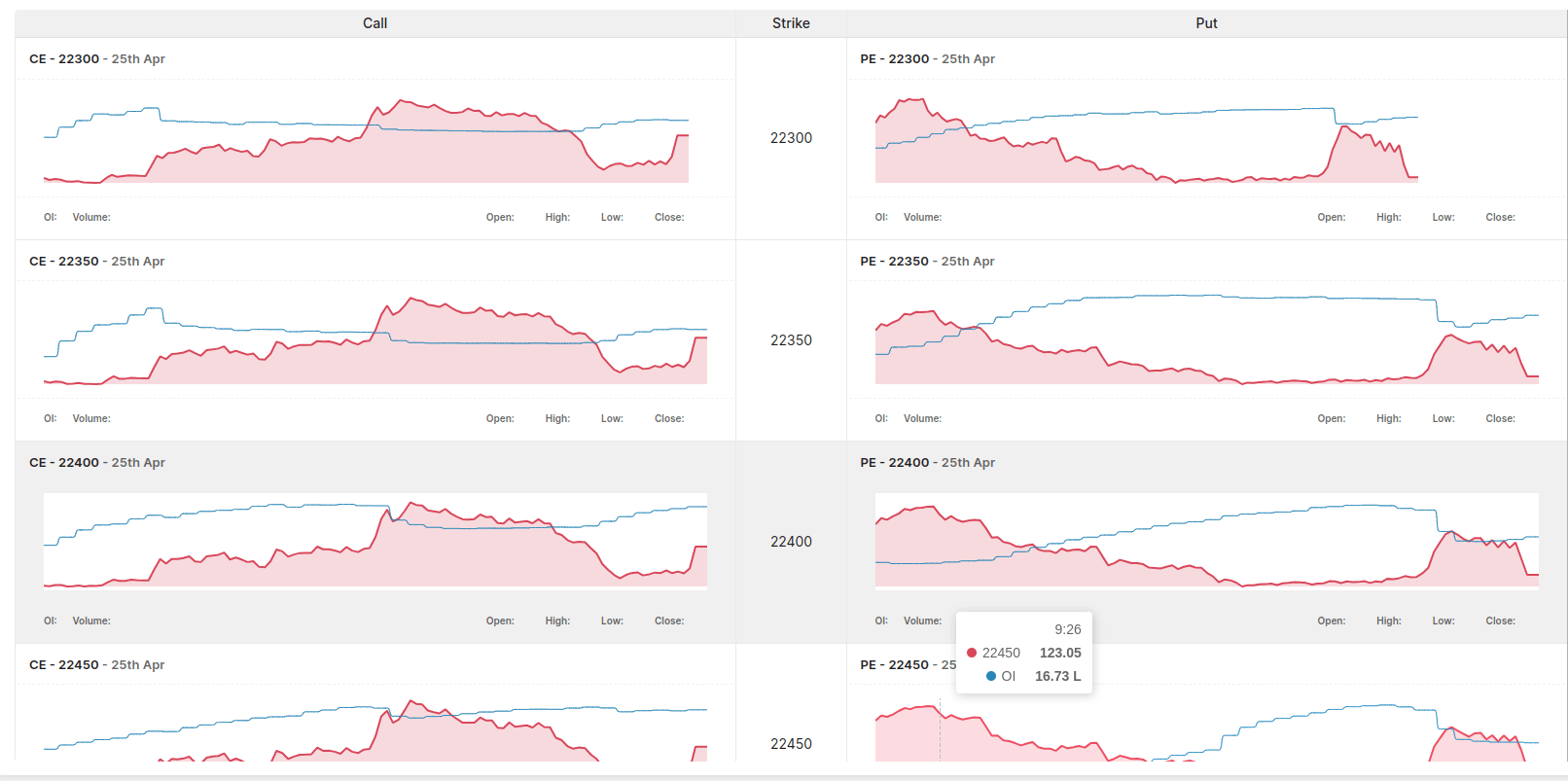
Explore Option Snapshot for OFSS in Stolo
OFSS Option Snapshot – Live Summary, Signals & Market Context
The OFSS option snapshot on Stolo provides traders with a fast, consolidated view of the most important options metrics for OFSS. This page is designed for moments when traders need clarity quickly, without navigating through multiple tables or charts. Instead of deep strike-level detail, the snapshot highlights what matters right now. By summarizing volatility behavior, active strikes, and positioning signals, Stolo helps traders form an immediate understanding of current OFSS options market conditions.What Is the OFSS Option Snapshot?
The OFSS option snapshot is a high-level summary of real-time options activity. It condenses key data points into a single screen, allowing traders to assess market tone at a glance. On Stolo, this snapshot answers a simple but powerful question: What is happening right now in the OFSS options market? This view is especially useful during market open, major news events, or periods of elevated volatility when fast decision-making is critical.Why Traders Use the OFSS Option Snapshot on Stolo
Traders often need a quick situational overview before diving deeper. The OFSS option snapshot on Stolo acts as a diagnostic tool that highlights whether volatility is rising, where volume is concentrating, and which strikes are attracting attention. This allows traders to decide their next step efficiently — whether to open the option chain, review open interest, or step back from trading altogether. The snapshot reduces information overload while preserving relevance.Key Elements of the OFSS Option Snapshot on Stolo
OFSS Current Price and Volatility Status
The snapshot prominently displays the current price of OFSS along with implied volatility indicators. This immediately tells traders whether options are priced for calm or movement. On Stolo, changes in volatility are emphasized so traders can see whether expectations are increasing or stabilizing during the session. This context is essential before selecting any options strategy.OFSS Most Active Strikes
Active strikes are those receiving the highest volume or showing rapid changes in open interest. The OFSS option snapshot highlights these strikes so traders know where the market is focusing attention. By surfacing these levels, Stolo helps traders identify potential decision points without scanning the full option chain. This feature is particularly valuable during fast-moving markets.OFSS Call and Put Activity Summary
The snapshot summarizes call and put activity to provide directional context. While it does not predict price movement, it helps traders understand whether activity is balanced or skewed. On Stolo, this information is presented clearly to support sentiment awareness without encouraging overinterpretation.How OFSS Snapshot Data Is Presented on Stolo
Stolo structures the OFSS option snapshot to emphasize changes and alerts rather than static values. Visual indicators highlight increases in volume, volatility shifts, or unusual positioning. Traders will typically see:- Key volatility readings
- Top active strikes
- Call vs put participation
- Alerts for unusual activity