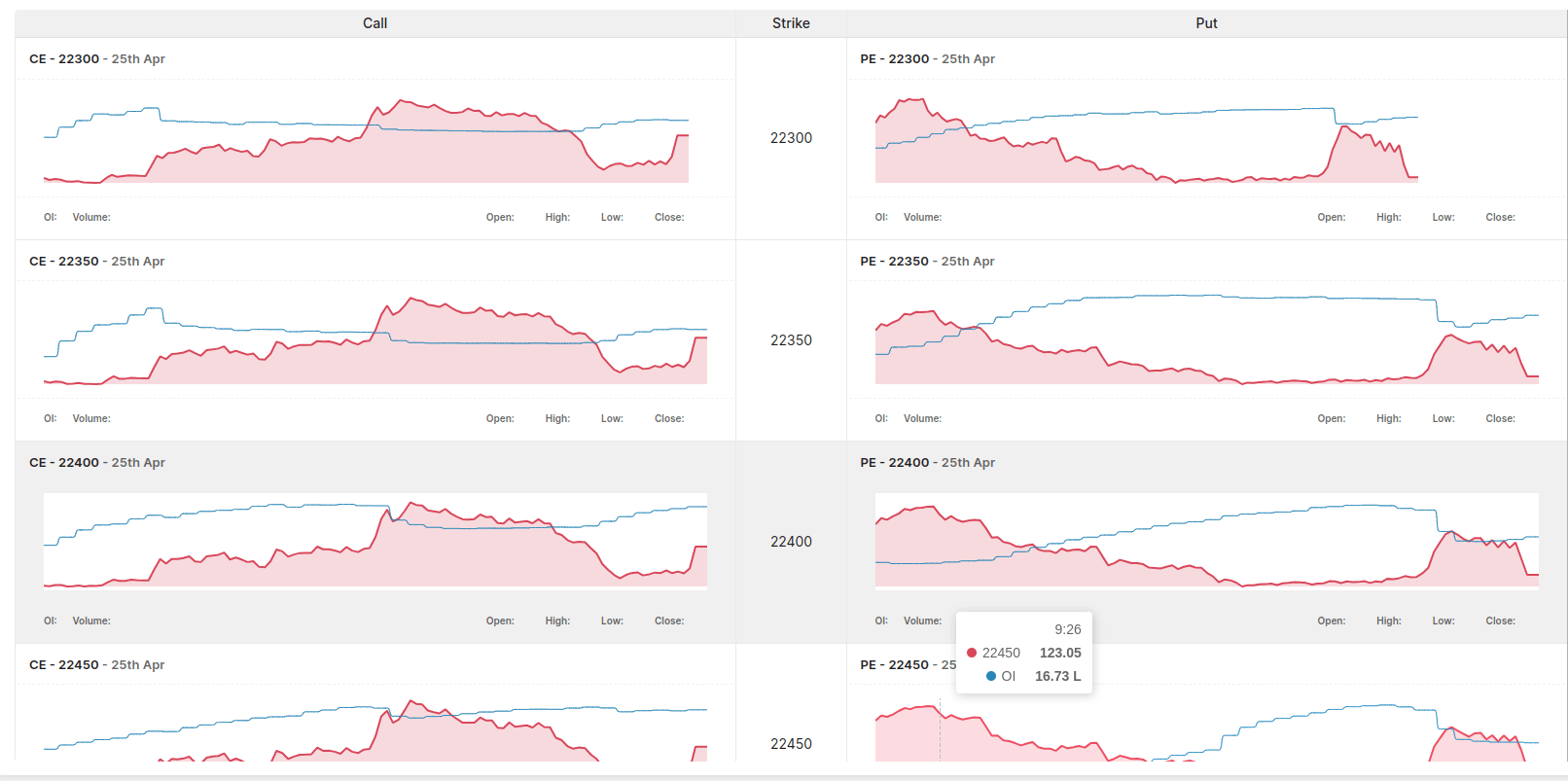
What does the HCLTECH option snapshot on Stolo show?
The HCLTECH option snapshot on Stolo shows a real-time summary of key options metrics, including volatility status, active strikes, and call-put activity.
How often does the HCLTECH option snapshot update?
The HCLTECH option snapshot updates continuously during market hours, reflecting live changes in pricing, volume, and activity.
Is the HCLTECH option snapshot suitable for beginners?
Yes. Beginners use the snapshot on Stolo to understand current market conditions before exploring detailed options data.
Can the HCLTECH option snapshot be used for intraday trading?
Yes. Intraday traders rely on the snapshot to quickly identify volatility changes and active strikes during the trading session.
Does the snapshot replace the option chain for HCLTECH?
No. The snapshot provides a summary view, while the option chain offers detailed strike-level data. Stolo encourages using both together.
How does Stolo identify active strikes in the HCLTECH snapshot?
Stolo highlights strikes based on volume, open interest changes, and unusual activity relative to recent sessions.
Is directional bias shown in the HCLTECH option snapshot?
The snapshot shows call and put participation to provide context, but it does not predict direction. Traders must interpret this alongside other data.
How does the HCLTECH option snapshot connect with other Stolo tools?
The snapshot acts as a gateway, guiding traders toward deeper analysis tools like the option chain and open interest views on Stolo.
Should traders rely solely on the HCLTECH option snapshot?
No. The snapshot is designed for quick awareness. Stolo recommends confirming insights with additional analysis before trading.
Why should traders use the HCLTECH option snapshot on Stolo?
The HCLTECH option snapshot on Stolo saves time by presenting essential options data in one place, helping traders stay informed and responsive.