Multistrike OI Analysis for NIFTY and F&O Options
Multistrike OI analysis in Stolo lets you pick several option strikes and chart their open interest together through the session. A single strike tells you about one level. Three to five strikes side by side tell you whether the crowd is defending a zone, and where that zone begins and ends.
Multistrike OI Analysis in Stolo
The problem it solves
The single-strike OI view answers "is 22,000 being defended". It cannot answer "how far up does the call writing extend". For setting a target or judging how much room a breakout has, you need the range, and flipping between strikes one at a time loses the comparison. Multistrike puts the strikes on one chart so the shape of the positioning is obvious.
The concept
- Writers position in zones. Rarely is resistance a single strike. It is usually a band where call OI is heavy across two or three strikes.
- The edge of the zone is the target. The furthest strike with growing OI in your direction is roughly where writers expect the move to end.
- Watch the zone erode. If the near strikes start unwinding while price pushes through, the zone is failing and the move can run to the next band.
- Compare calls and puts together. Seeing the call zone above and the put zone below on one chart frames the whole expected range.
Key terms explained
| Term | What it means |
|---|---|
| Strike picker | The control for selecting which strikes appear on the chart. |
| Change in OI | The move in a strike's open interest over the chosen interval. |
| OI zone | A band of adjacent strikes where OI is heavy, acting as a range boundary. |
| Zone erosion | Strikes within a defended band starting to unwind. |
| Interval | The time bucket for the change-in-OI comparison. |
A worked example
BANKNIFTY is at 48,050. You select the 48,000, 48,200, 48,400 and 48,600 call strikes at a 5-minute interval.
- 48,000 CE and 48,200 CE OI have been flat all morning.
- Over the last 30 minutes, 48,400 CE and 48,600 CE OI are both climbing fast.
The read: fresh call writing has moved up to the 48,400 to 48,600 band. Writers now expect the top of today's range around 48,600. A long taken at 48,100 gets a first target near 48,400 and a stretch target near 48,600, and you watch the 48,400 line for unwinding as price approaches.
How to use it in Stolo
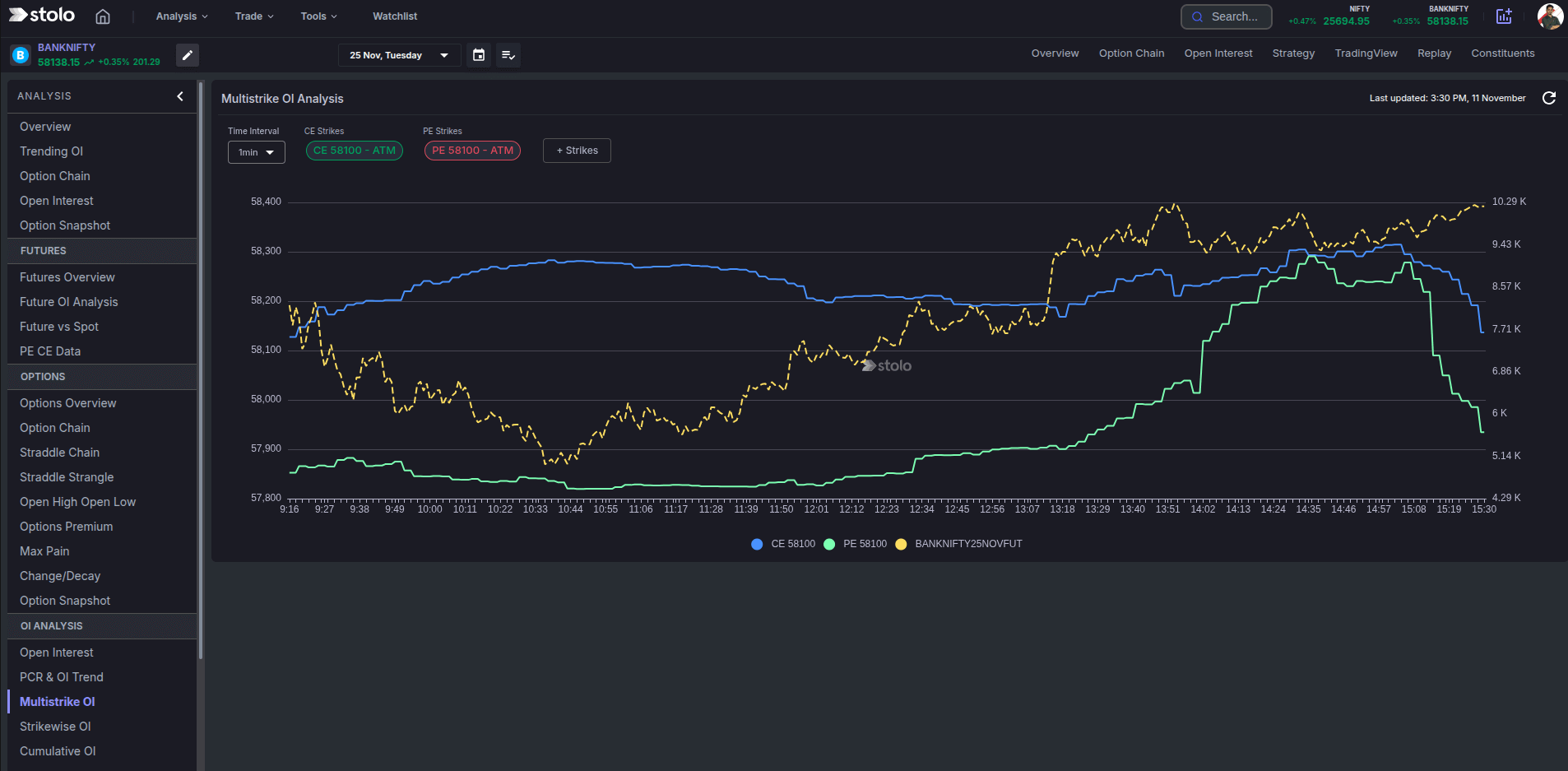
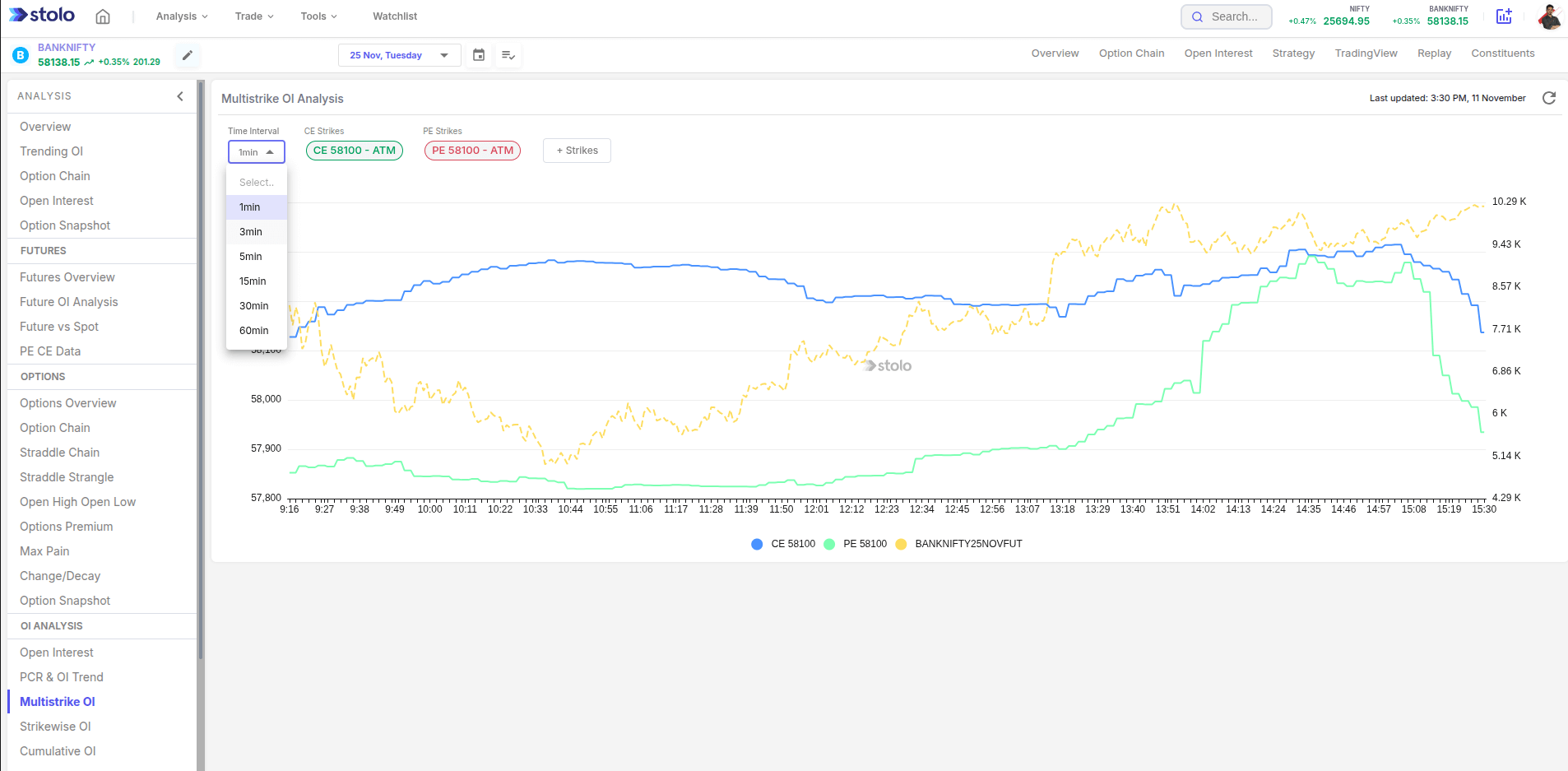
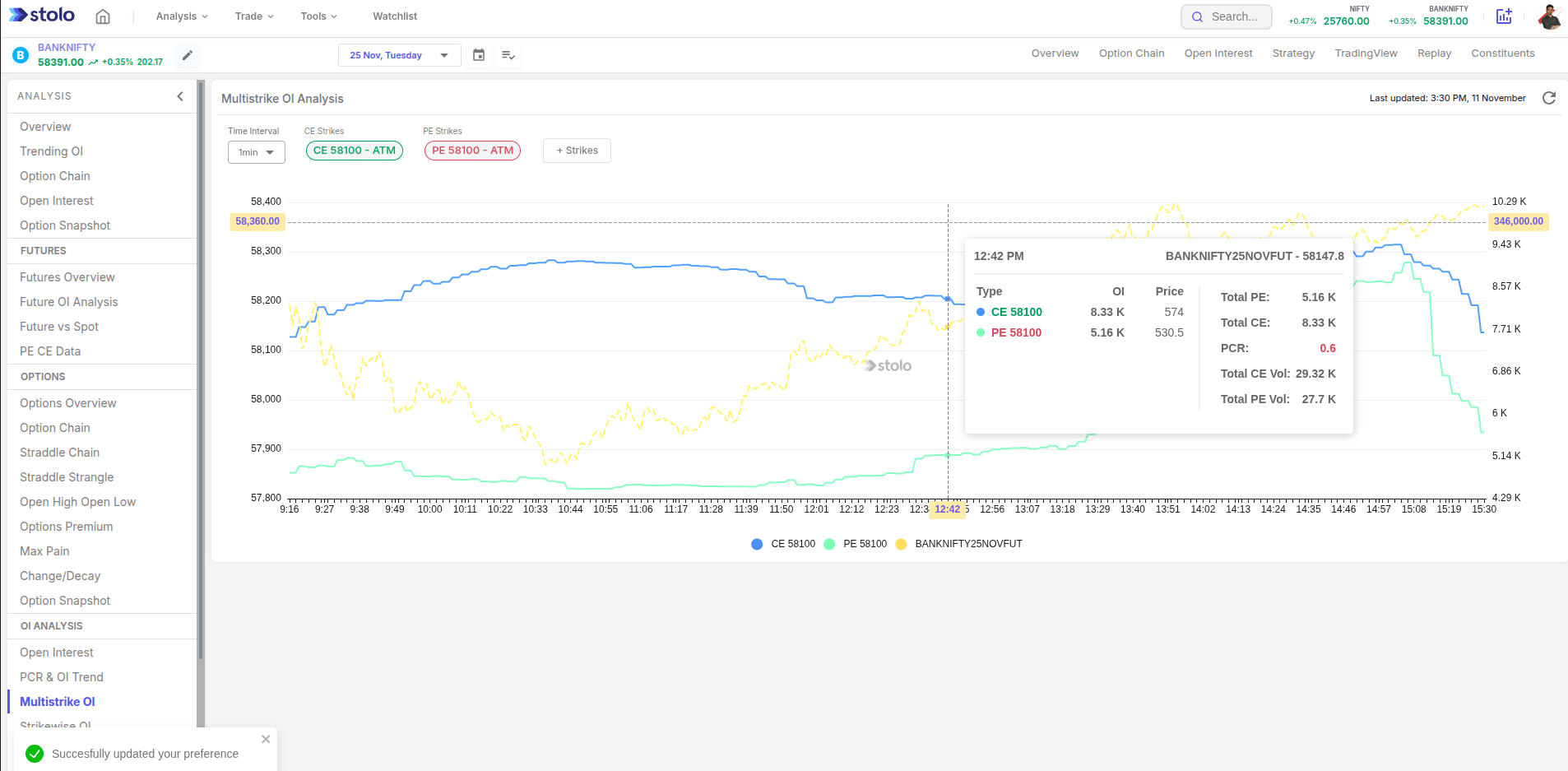
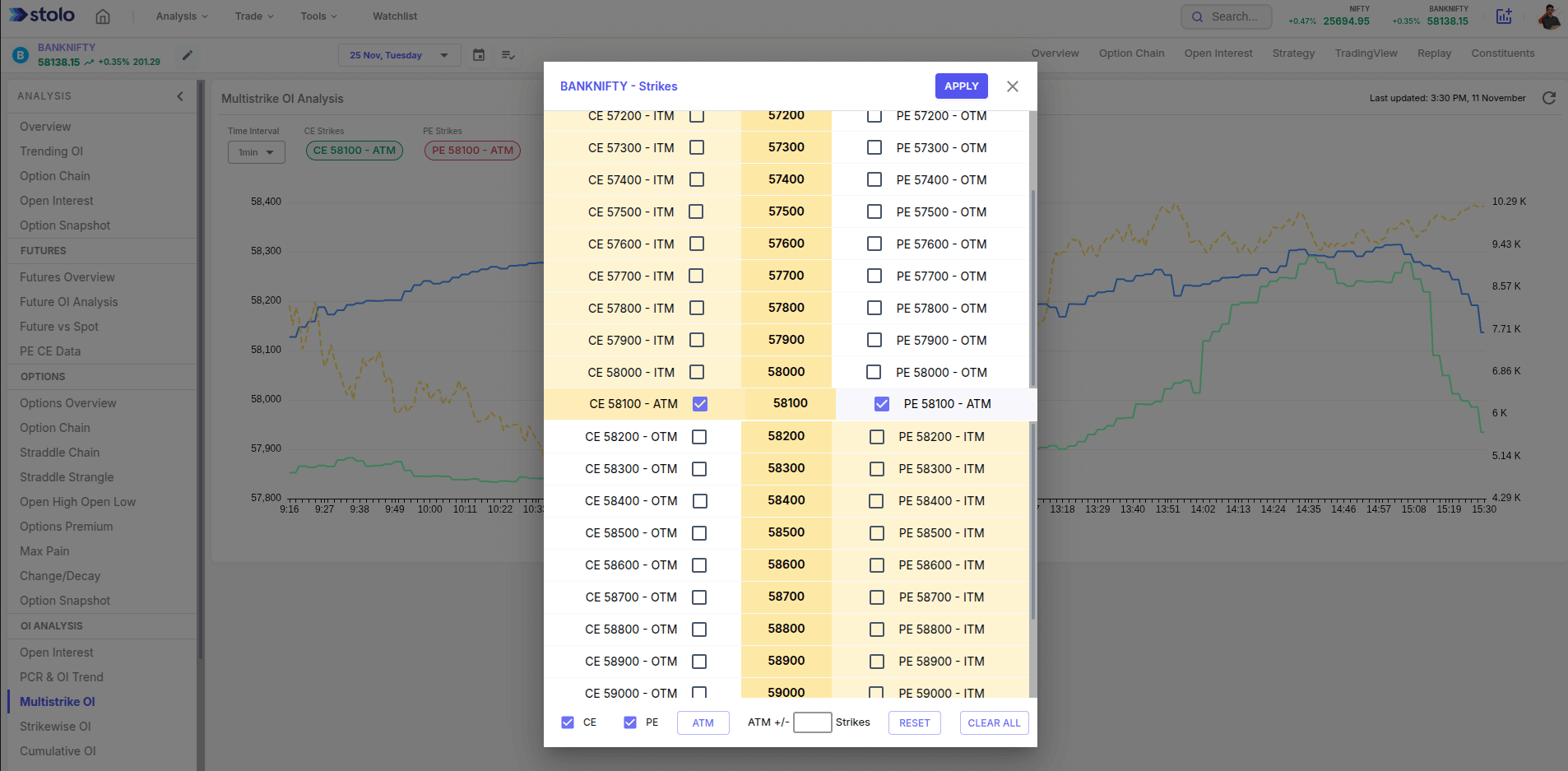
- Open Analysis, then Options, then Multistrike OI Analysis.
- Choose the instrument and expiry.
- Use the strike picker to select three to five strikes around the money, calls or puts or both.
- Set the time interval.
- Read the lines together: which strike is being built, which is flat, which is unwinding.
- Use the furthest building strike as a target reference, and switch to a past date to study how a range formed previously.
Pick strikes at even spacing on both sides of the money. A symmetric view makes the call zone and put zone easy to compare and gives you the expected range in one look.
How traders use it
- Target setting. The outer edge of the building OI zone is the first target for a directional trade.
- Breakout quality. A break through a strike whose OI is unwinding runs further than one into a strike still being built.
- Range trade boundaries. Sell the call zone edge and the put zone edge for a strangle when both are being defended.
- Zone shift tracking. When the whole zone moves up or down through the day, the expected range is shifting with it.
Live mode and history mode
Live mode streams the selected strikes through the session. History mode redraws them for a past date, so you can see how a defended range was built and whether price respected it.
Frequently asked questions
What is multistrike OI analysis?
How many strikes can I compare at once?
How is this different from cumulative OI analysis?
What does it mean when OI builds across a range of strikes?
Can I change the time interval?
Does multistrike OI work on stock options?
Can I load multistrike OI for a past date?
How do I use this to set a target?
Which plan includes multistrike OI analysis?
Should I use multistrike OI on its own?
See the whole positioning range, not one strike
Open Stolo's Multistrike OI Analysis to compare open interest across several option strikes on any F&O instrument.
Start with a Flexi Trial from ₹199